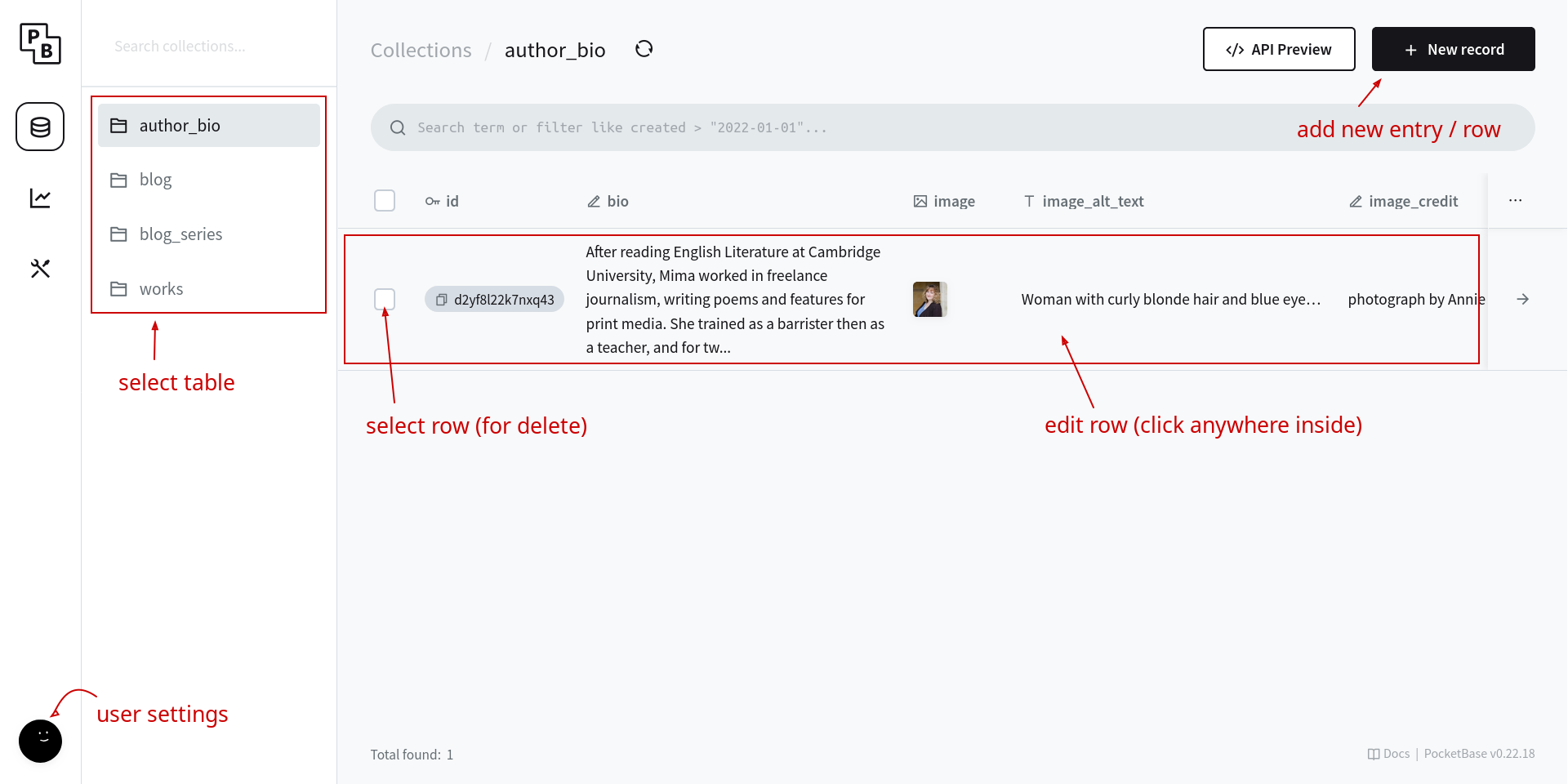
The Content Management System (CMS) is the backbone of your site, where you can manage all your books, blogs and your author bio. Every time you change something in the CMS, your site will update within a few minutes. If it doesn't change after 5 minutes and a page refresh, let me know.
The featured book on the home page cannot be controlled via the CMS, since it requires quite a lot of custom code. When you want to change the home page, you'll have to ask.
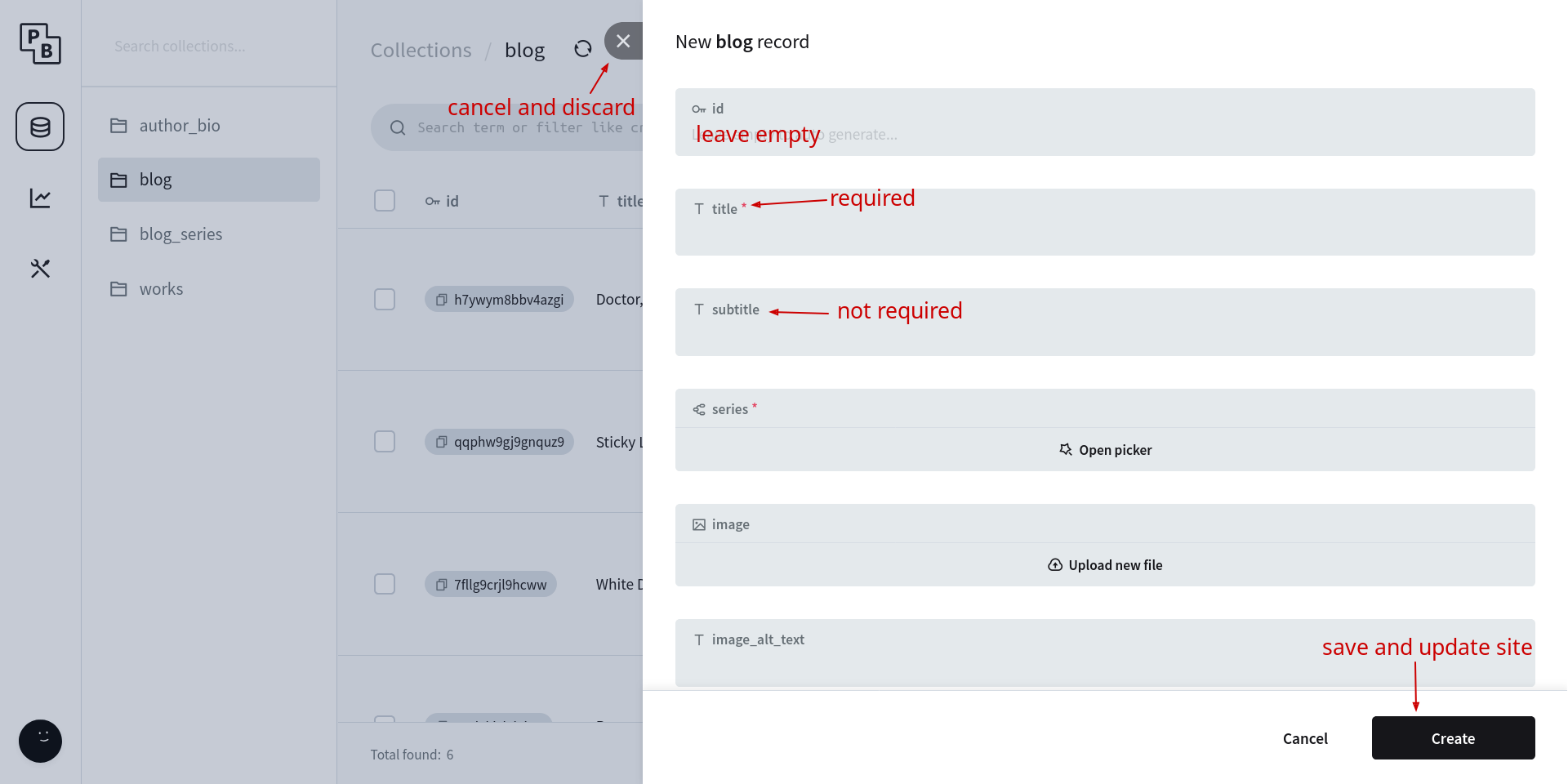
You may click the New record
button on all but the
author_bio
table since you can only have one bio. To edit it,
click inside the existing row.
When filling out a work's opening, make sure to copy and paste as plain text. The most reliable way to do this is to paste the content in to Notepad then copy it again from there.
Make sure you create any headings by highlighting the text and selecting Heading 3 from the drop-down menu in the top-left.
To add a subtitle, go to the menu then the Blocks
submenu and select div.
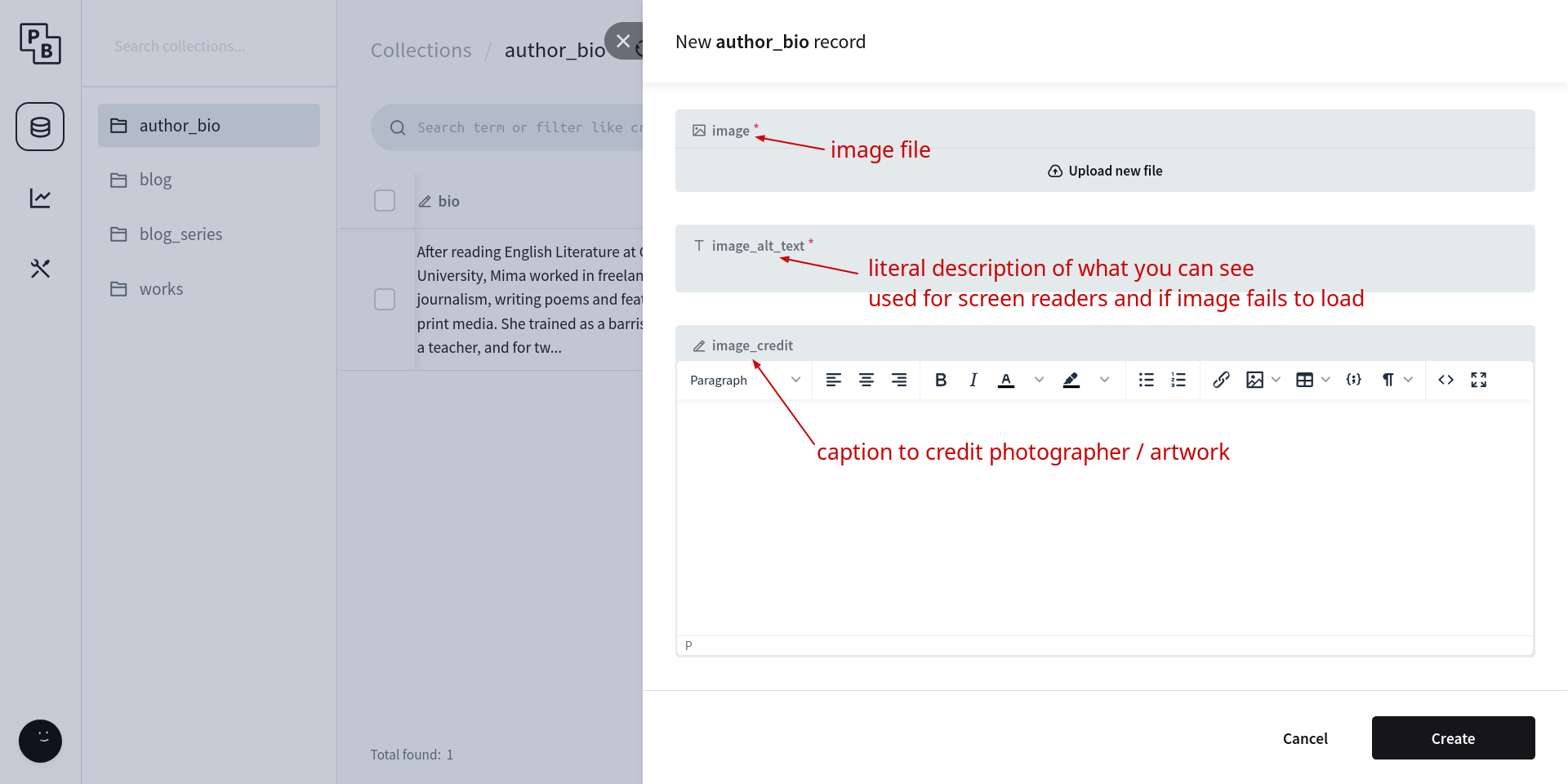
image,
image_alt_textand
image_credit